Actuators are components that convert energy into controlled mechanical motion, acting as the "movers" in automated systems.
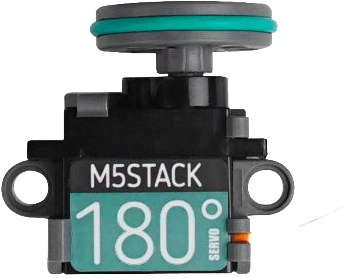
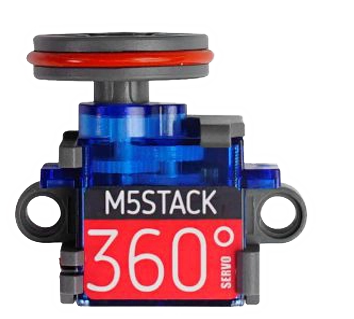
M5stack has two kind of servo kits, 180 degrees (angle) and 360 degrees (continuous rotation)
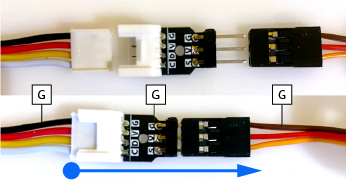
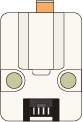
To connect a single servo to the grove port you will need a 'Grove to servo adapter' (3 pins).
Make sure to align the ground connector (black / brown) correctly.Grove to Servo adapter.
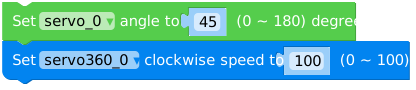
The codeblocks for a single servo unit are straight forward: Servo unit code blocks
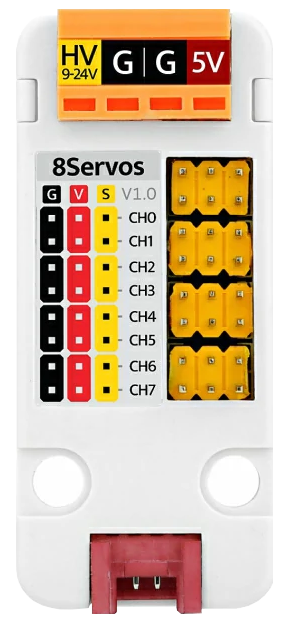
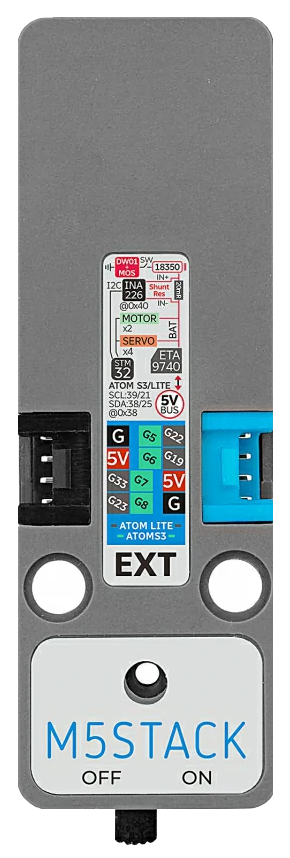
To combine more than one servo you can use the 8servos unit (has the option for an external power source). To combine servos and dc motors (2) you can use the Atomic Motion Base (powered by 18350 900mAh battery).
Code blocks for 360° servos connected to the 8servo unit or Atomic Motion base look a bit different UIFlow2 code block for a 360° servo.
The continous speed of a 360° servo requires a pulse value, in a range between 500 and 2500.
The pulse value for the neutral position is 1.5 ms (1500), so at 0.5 ms (500) the servo will spin counterclockwise, at 2.5 ms (2500) the servo will spin clockwise.
Exercise Level Two - M5Stack Actuators The Atomic Motion Base
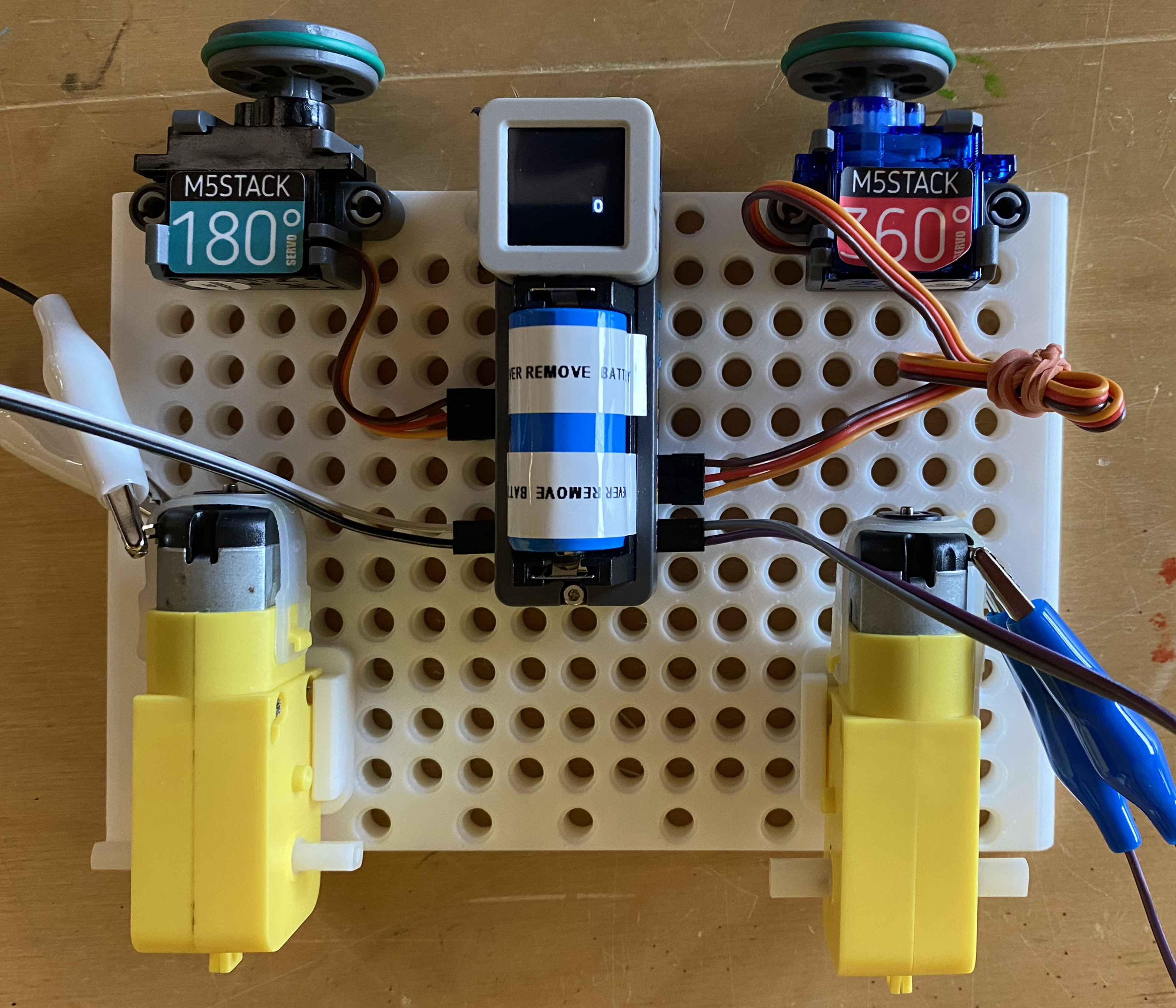
Use the 'crocodile clips' to connect two dc motors to the M1 & M2 ports of the Atomic Motion Base
Connect a 360° servo to port S1 of and a 180° servo to port S4,
Make sure the ground wires (brown) correspond with the G on the port. Connect the actuators to the Atomic Motion Base as following
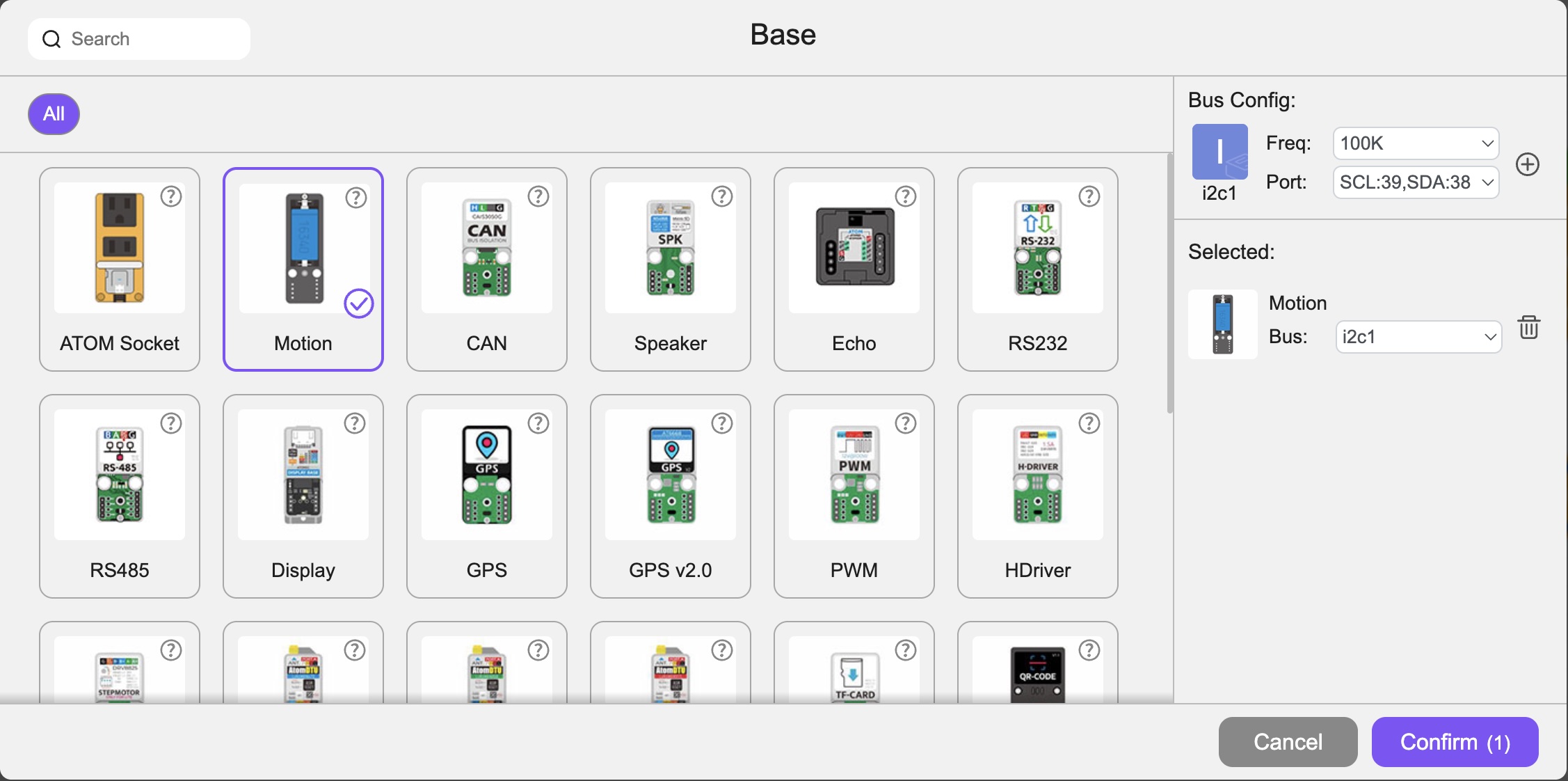
Add the Atomic Motion Base:
Apply the following codeblocks to the setup codeblock.
This way we will ensure that the motors and the 360° servo will not run at startup and the angle of the 180° servo is 0°
(The I2C SCL and SDA port number might differ for different devices, keep it at the UIflow assigned value).
Apply the following codeblocks to the loop codeblock.
The Atomic Motion base has 2 DC motor ports; M1 & M2 and 4 servo ports S1 - 4.
The servo at servo port 1 (360°) servo will turn counterclockwise (0.5 ms - 500)
If you want to change the direction of the 360° servo change the value to 2500.
Motor 1 and 2 will run at full speed (127) in one direction.
If you want to turn the direction of a motor change the motor speed value to a negative number or switch the cable connectors around.
We want to operate the 180° servo with Button A of my device.
We will use the button event to toggle the angle of the servo between 0 and 180°
Add a label with name label0 to show to value of the 180° servo on screen.
Awesome! you just made your first steps into building a robot.
The Atomic Motion base has a built-in battery so it can operate without the USB cable.

 Servo unit code blocks
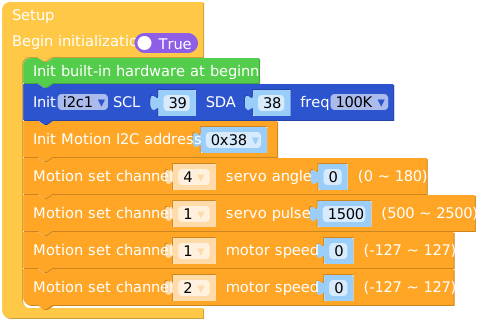 This way we will ensure that the motors and the 360° servo will not run at startup and the angle of the 180° servo is 0°
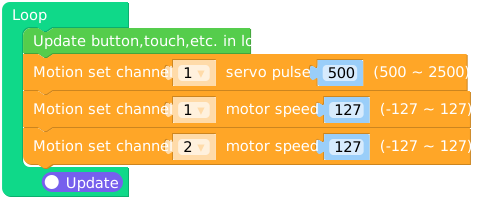 The Atomic Motion base has 2 DC motor ports; M1 & M2 and 4 servo ports S1 - 4.
The servo at servo port 1 (360°) servo will turn counterclockwise (0.5 ms - 500)
If you want to change the direction of the 360° servo change the value to 2500.
The Atomic Motion base has 2 DC motor ports; M1 & M2 and 4 servo ports S1 - 4.
The servo at servo port 1 (360°) servo will turn counterclockwise (0.5 ms - 500)
If you want to change the direction of the 360° servo change the value to 2500. Add a label with name label0 to show to value of the 180° servo on screen.