M5Stack Bases are a series of modular expansion boards designed to add specific functionalities to M5Stack development cores, particularly the M5Atom series. Think of them as "bases" that you can add to your M5Stack device to give it new senses, actions, or communication capabilities
* Voice recognition is not available in UIFlow2 yet. ** The Port ABC port does not require code blocks.
Exercise Level Two - M5Stack Bases Connecting bases (Atom only)
Connect the Atom device to the corresponding headers at the top of the base. ⚠ Warning: only connect hardware while the device is off and theUSB cable not connected to the computer
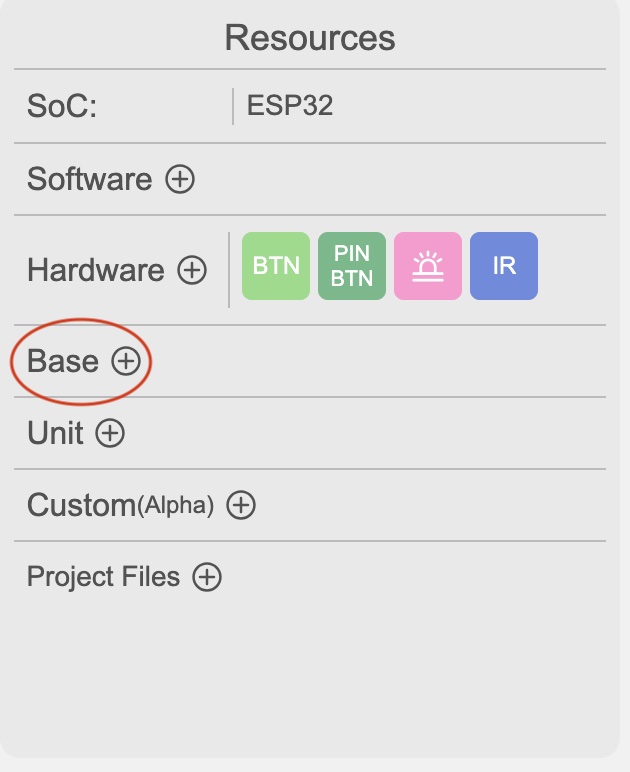
Add the base in the resource panel on the left
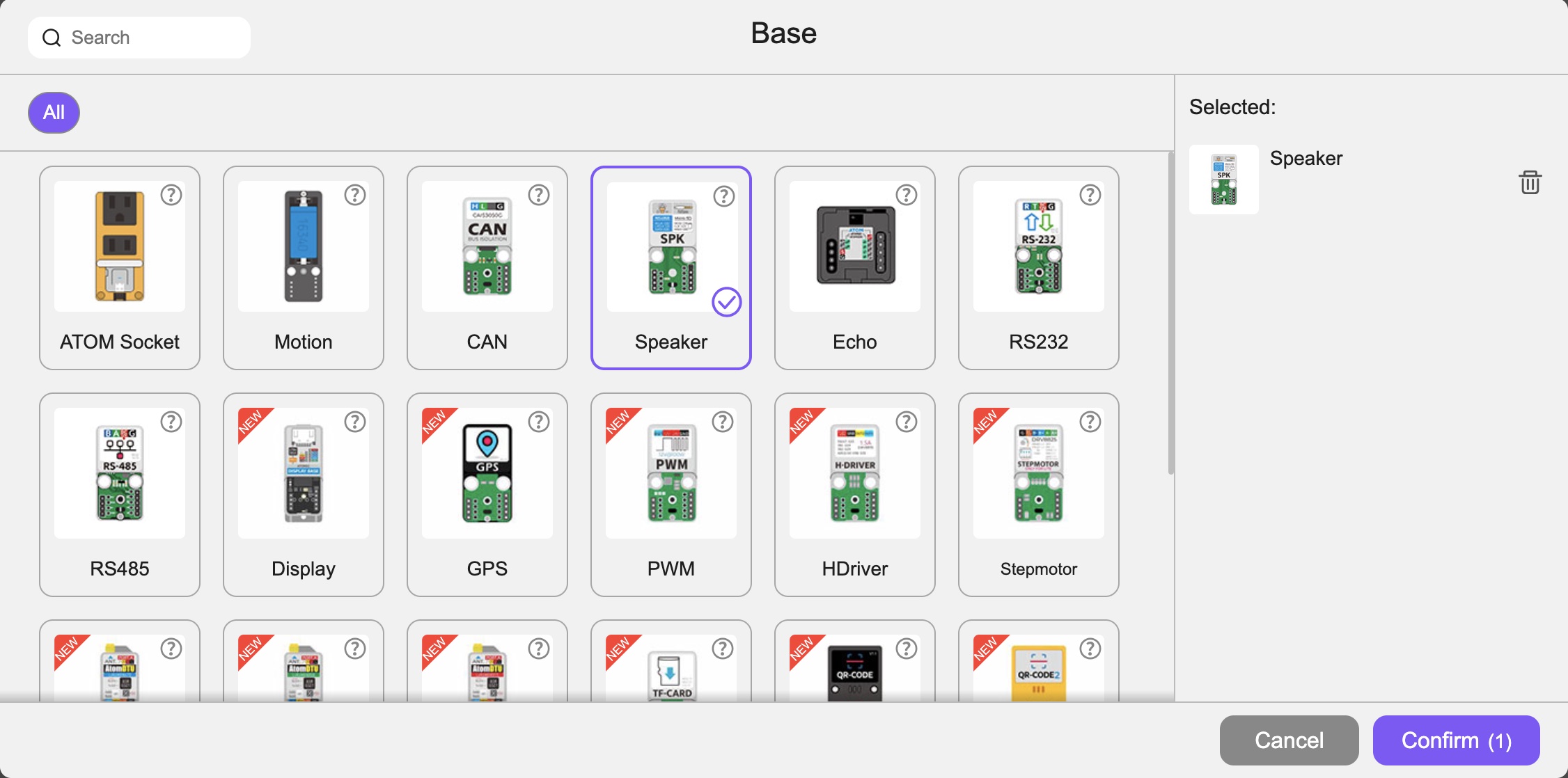
Select the appropriate base (keep the default settings as is) and confirm.
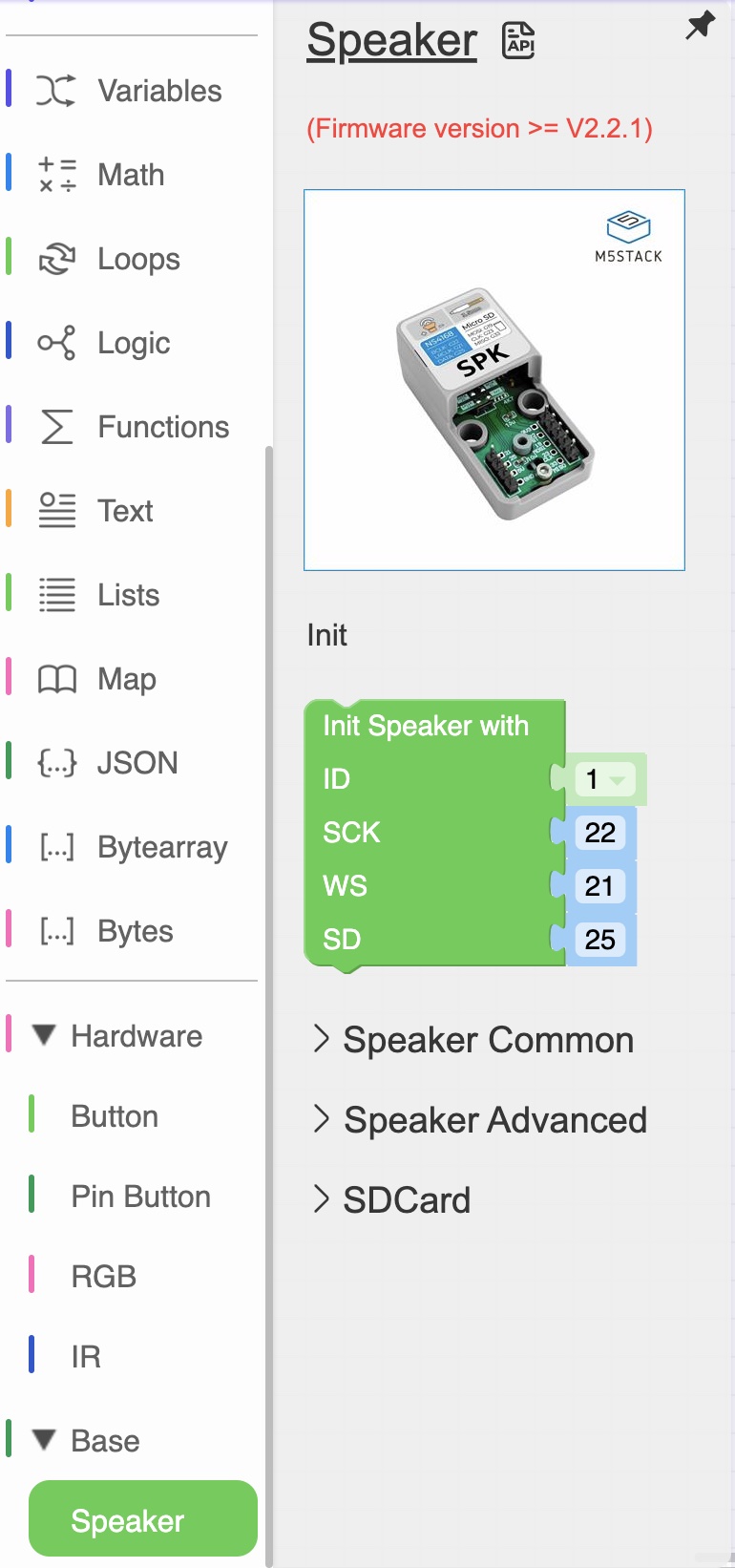
The code blocks for the selected base will become available in the Base section.
Click on the name of the base to got to the product page of the base.
Click on the 'API' icon to learn about the code blocks.
Different bases will have different features hence different code blocks.
Choose a base you want to experiment with, connect it to your device, add the code blocks and have fun!

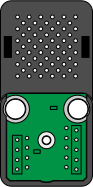
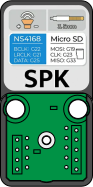

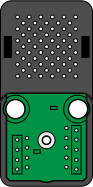
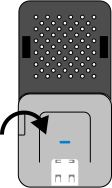
 Different bases will have different features hence different code blocks.