Units are self-contained sensor or actuator modules that connect to the device via a Grove connector.
Examples include environmental sensors (temperature, humidity, pressure), GPS, RFID readers, relay controllers, motor drivers, and more.
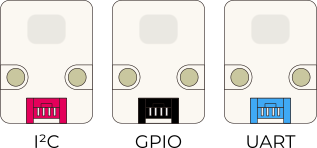
The grove port (a.k.a. Port A) on the device supports three kind of units; I²2, GPIO and UART, but only one protocol at a time.
(More on daisy chaining units will follow in the Level three exercises, for now we will work with one unit at a time).
* The Led units (Hex + Strip) are not available from the UIFlow2 unit list, choose the 'RGB unit' and adjust the number of the leds.
Exercise Level Two - M5Stack units Connecting Units
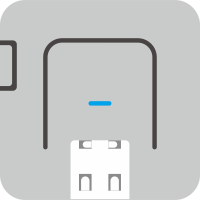
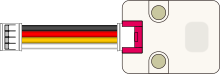
Connect the unit to port A on your device with a 'grove' cable. ⚠ Warning: only connect hardware while the device is off and theUSB cable not connected to the computer
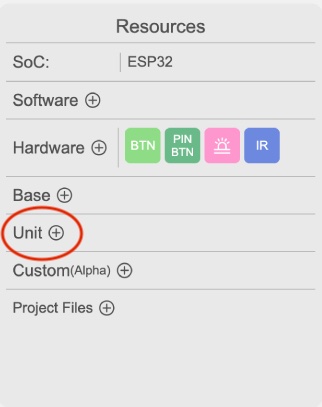
Add the unit in the resource panel on the left
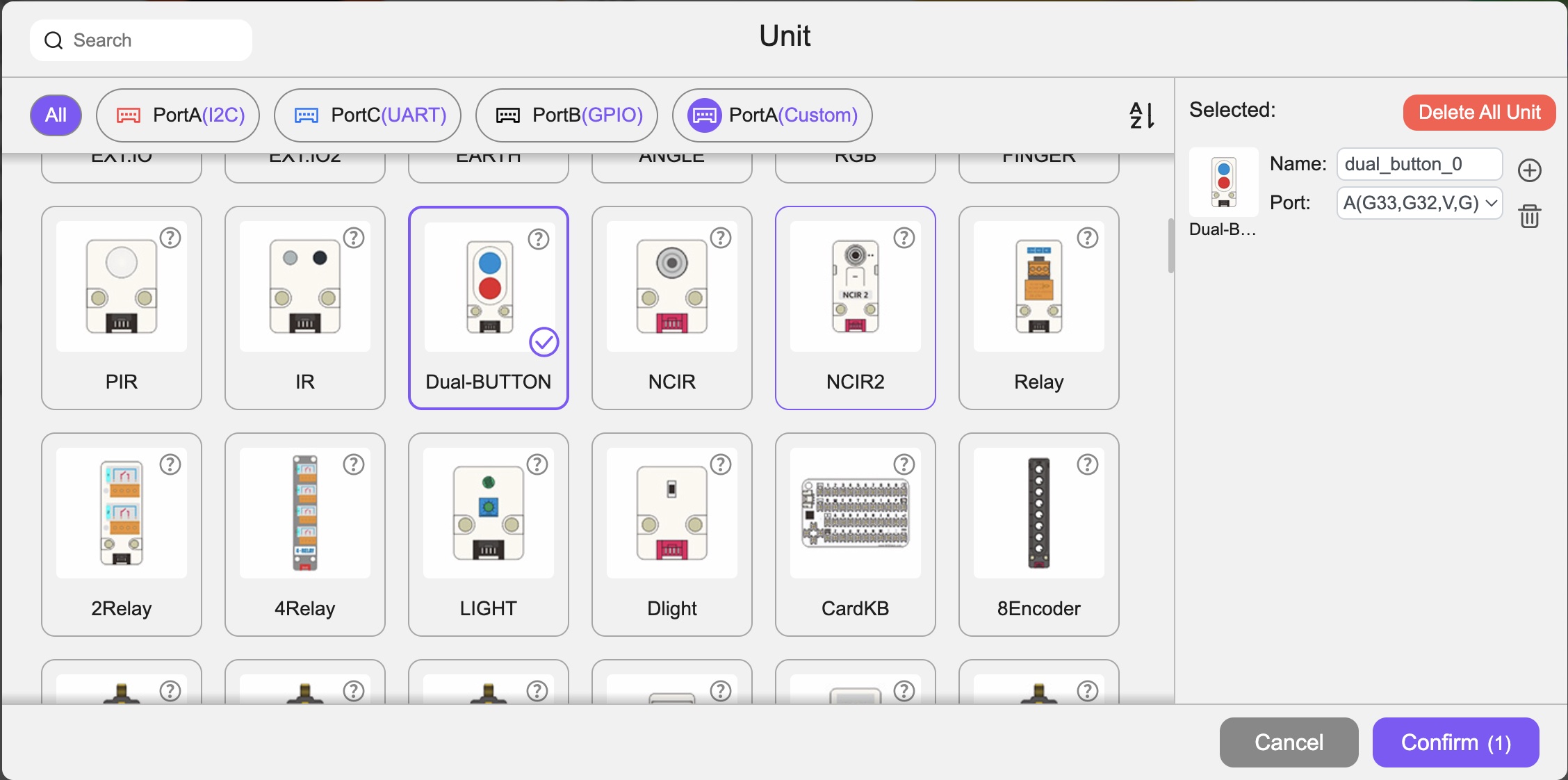
Select the appropriate unit (keep the default port settings as is) and confirm.
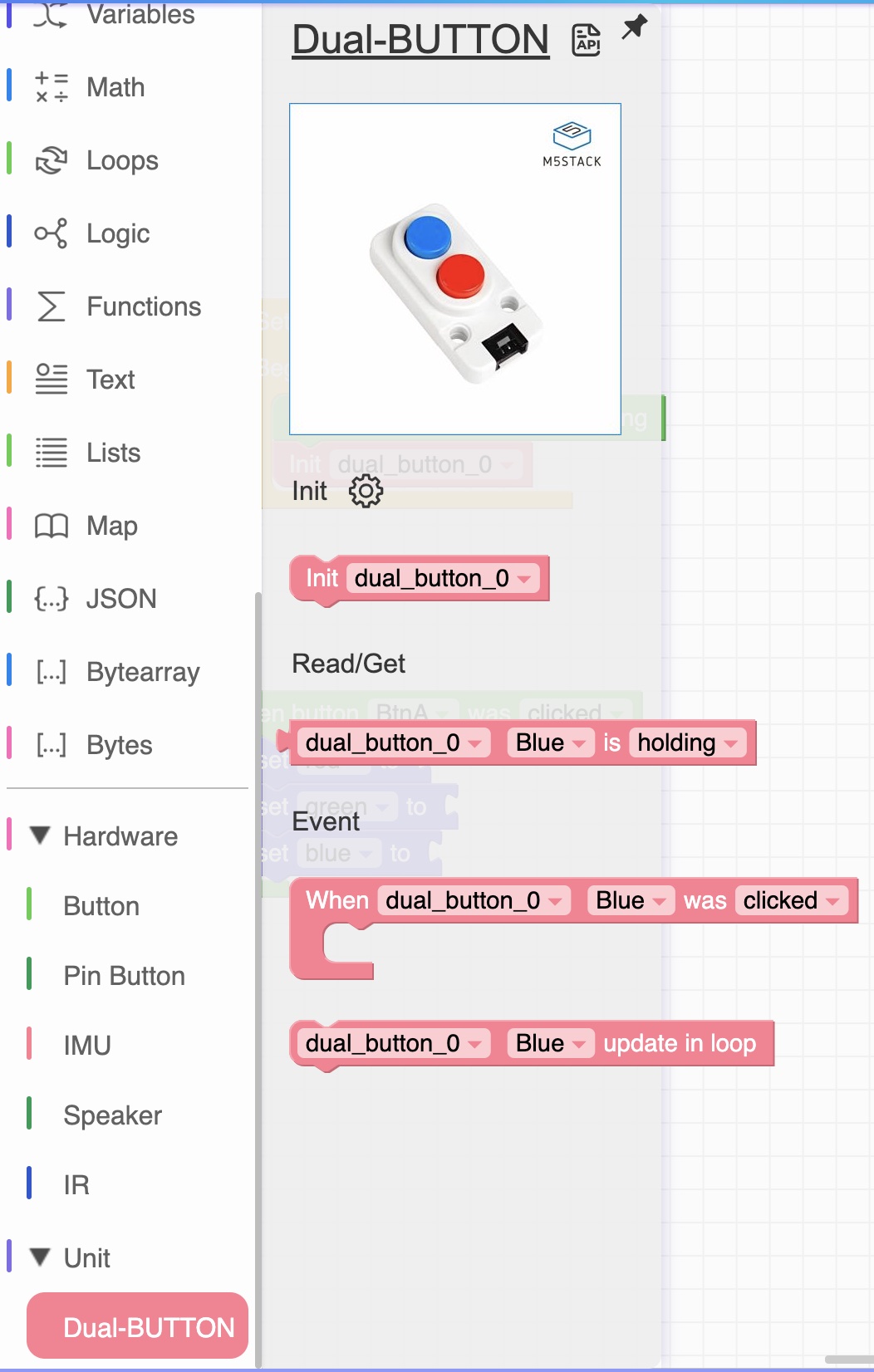
The code blocks for the selected unit will become available in the Unit section.
Click on the name of the unit to got to the product page of the unit.
Click on the 'API' icon to learn about the code blocks.
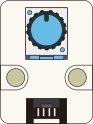
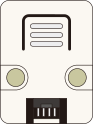
Different units will have different features hence different code blocks.
Choose a unit you want to experiment with, connect it to your device, add the code blocks and have fun!
If you want to combine units for your device please have a look at Combining Units

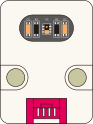
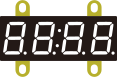
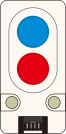
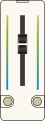
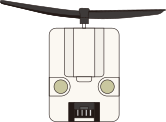
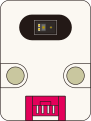
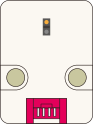
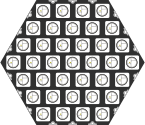
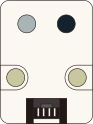
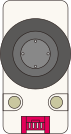
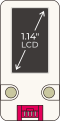

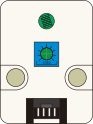
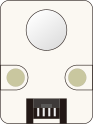
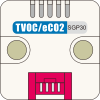
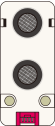
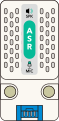
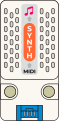
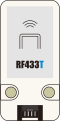
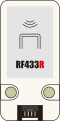
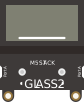
 Different units will have different features hence different code blocks.