Lowcode IoT | Everybody is a maker!

🚀 Exercises Level 3 Distance Sensor
distance sensor

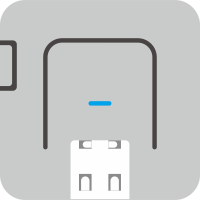
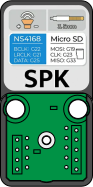
In this exercise we will make a distance sensor that provides auditory feedback if an object is in close vicinity of the sensor. You will need the I2C UltraSonic sensor and the Atom Echo (built-in speaker) or any other Atom with the echo- or speaker base attached. Ultrasonic Sensor + Atom Echo or Ultrasonic Sensor + Atom Lite + Speaker or Ultrasonic Sensor + Atom Lite + Echo Base The code blocks will be similar regardless of the choice of base.
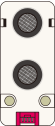
Connect the sensor and bases, open UIFlow2 and continue with the exercise below.
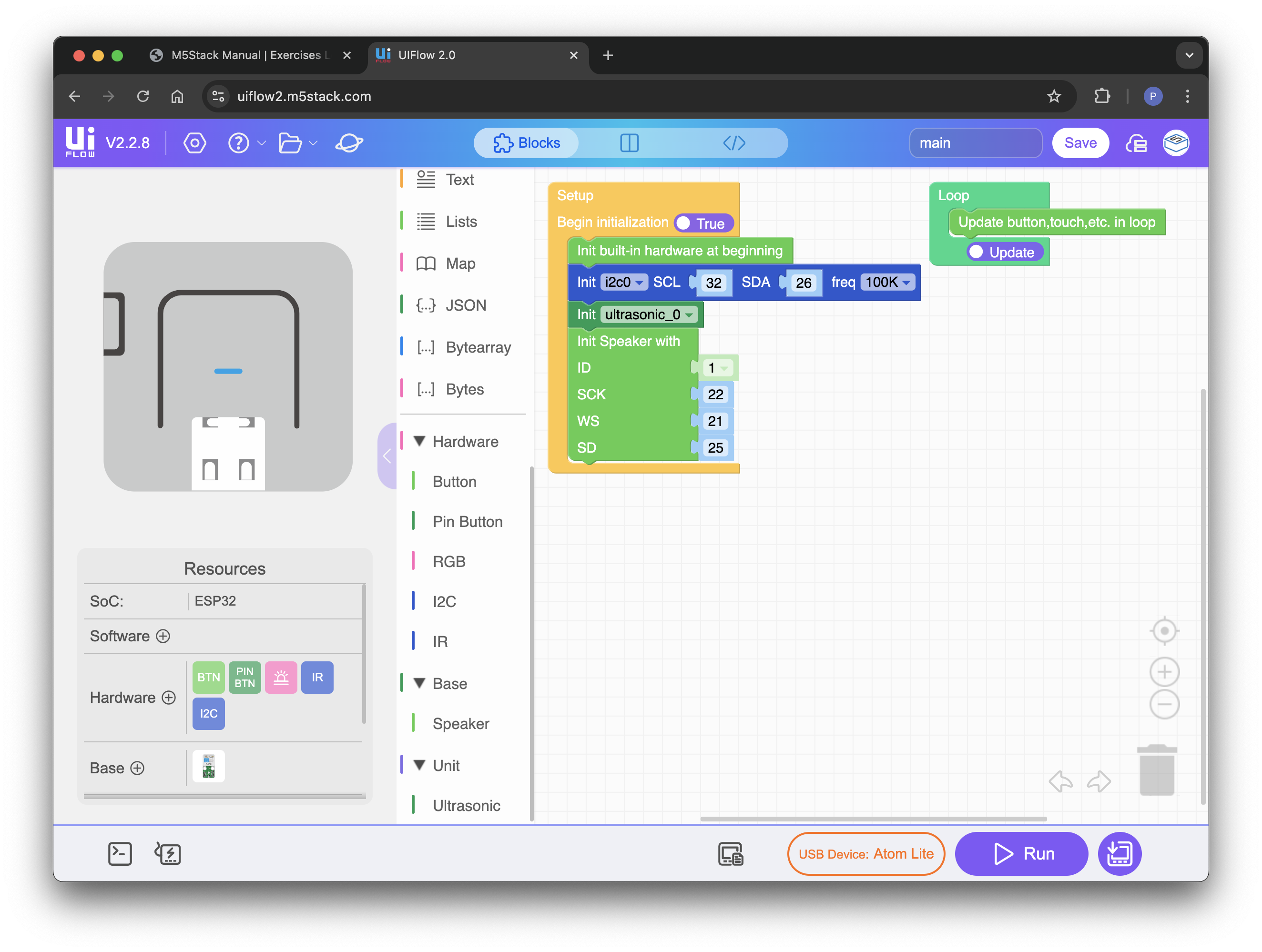
🚀 Exercises Level 3 Distance Sensor Setup UIFlow2

UIFlow2 add ultrasonic sensor and speakerbase

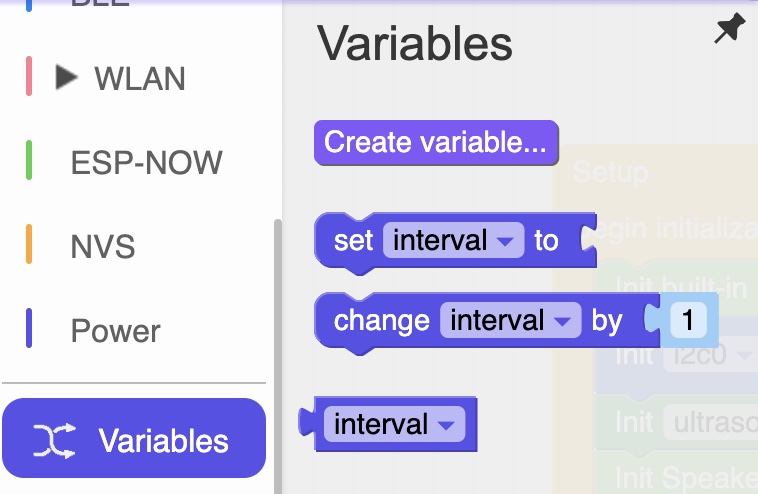
Create a variable called 'interval'.

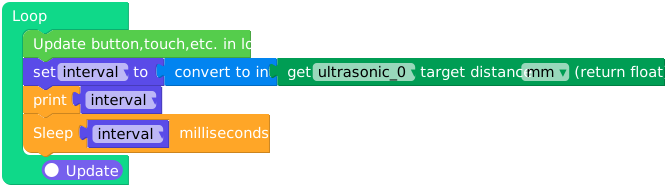
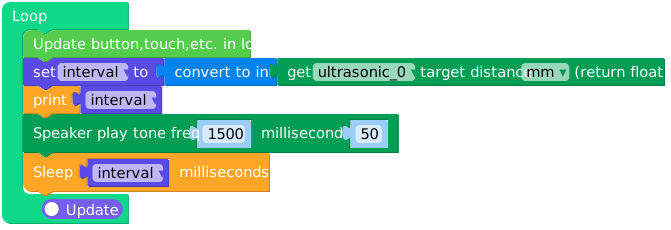
In the loop code block propagate the 'interval' variable with the ultrasonic sensors measured value.
The sensor will return a float, convert it to an integer (can be found in Math Category).
Set a timer with the 'interval' value in milliseconds.

distance-sensor loop block

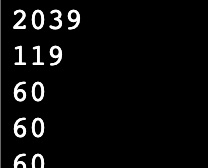
Run the code to see if the distance sensor is working, notice the timing difference with different distance values.

distance sensor values

If your sensor works we are going to add a beep, because the interval is connected to the sensor value the closer an object appears in front of the sensor, the lower the interval will be, the faster the speaker will beep.

distance sensor loop block

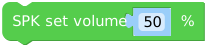
You can increase/decrease the volume of the speaker if needed (apply in the setup block).

speaker volume

Run the code on the device. If all went well you will have a working distance sensor!

🎆


🚀 Exercises Level 3 Try another one